- Sharing Visuals
Posts without a link
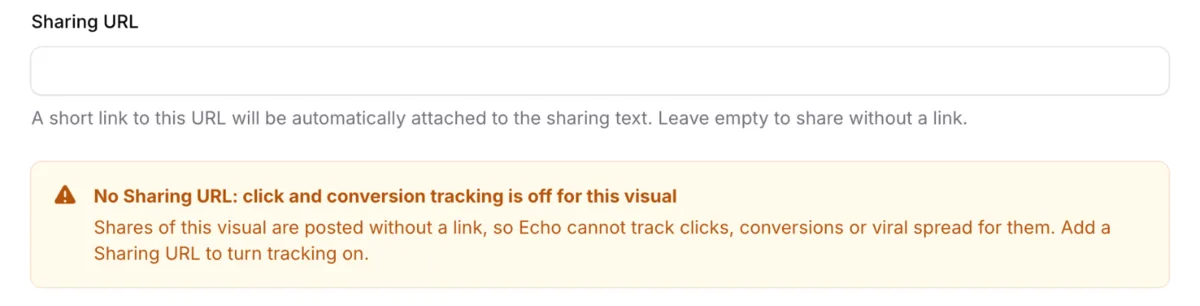
The Sharing URL is now optional for each visual. Leave it empty and shares go out as image and text only, without a link.
What's new
Every new feature we have shipped, newest first.
The Sharing URL is now optional for each visual. Leave it empty and shares go out as image and text only, without a link.
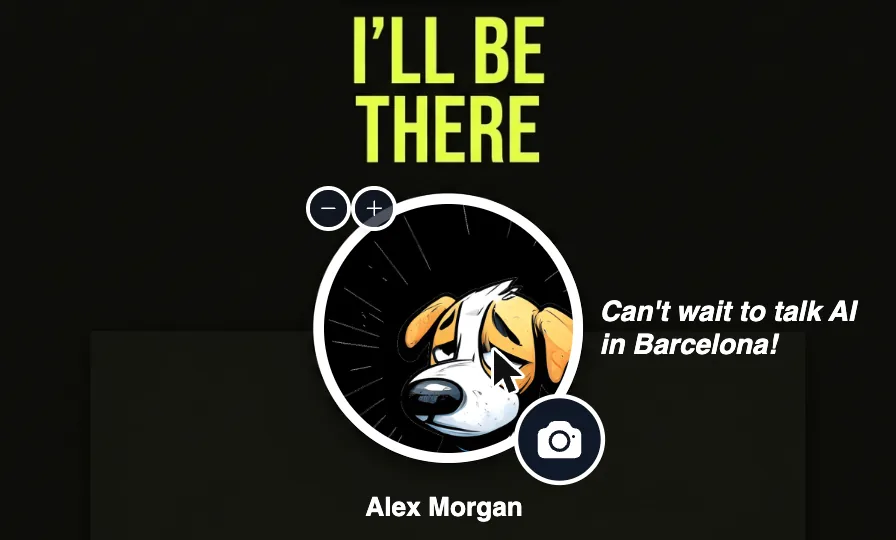
Sharers can now zoom into their photo and drag it into place, so it sits exactly right on the visual.
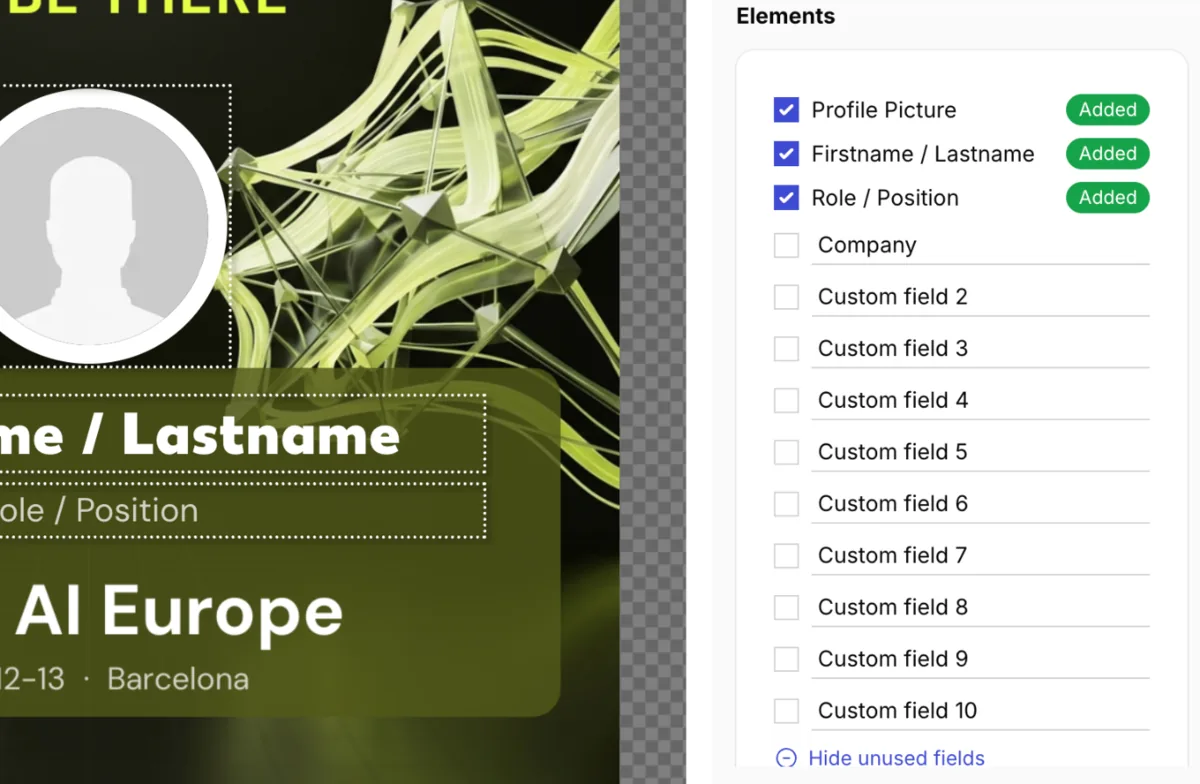
Each sharing visual can now collect up to ten custom fields, such as booth number, session title or company, and show them on the image.
Greet your sharers in your own words: set a custom welcome text for your campaign on the Landing Page tab.
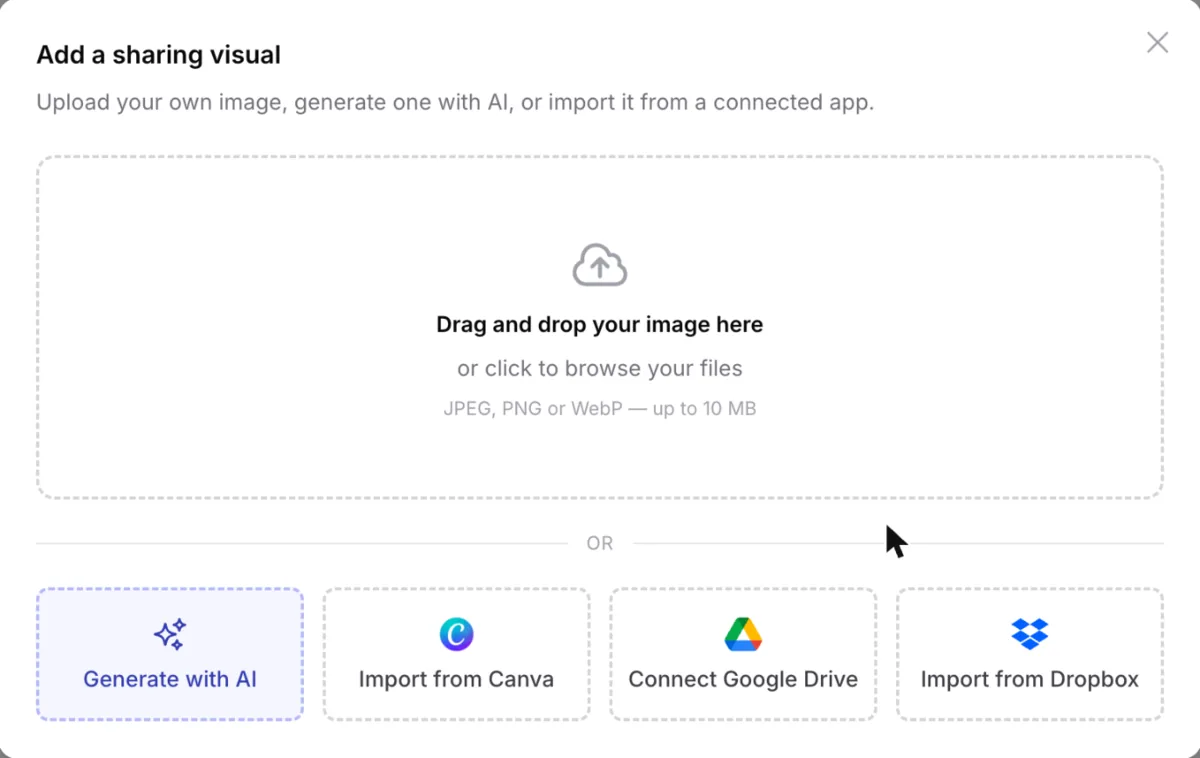
Import sharing visuals straight from Google Drive or Dropbox — browse your folders and shared files, or search across everything.
 Learn more →
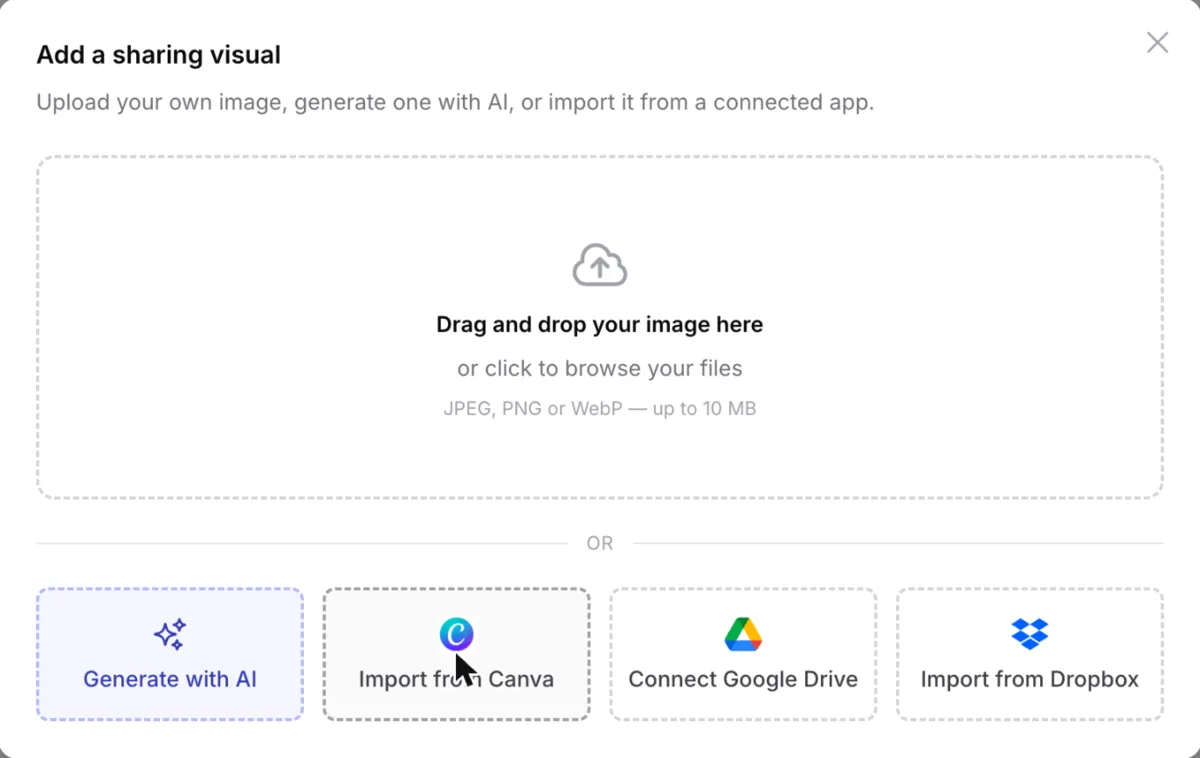
Connect your Canva account and import your designs directly as sharing visuals — no exporting and re-uploading.
 Learn more →
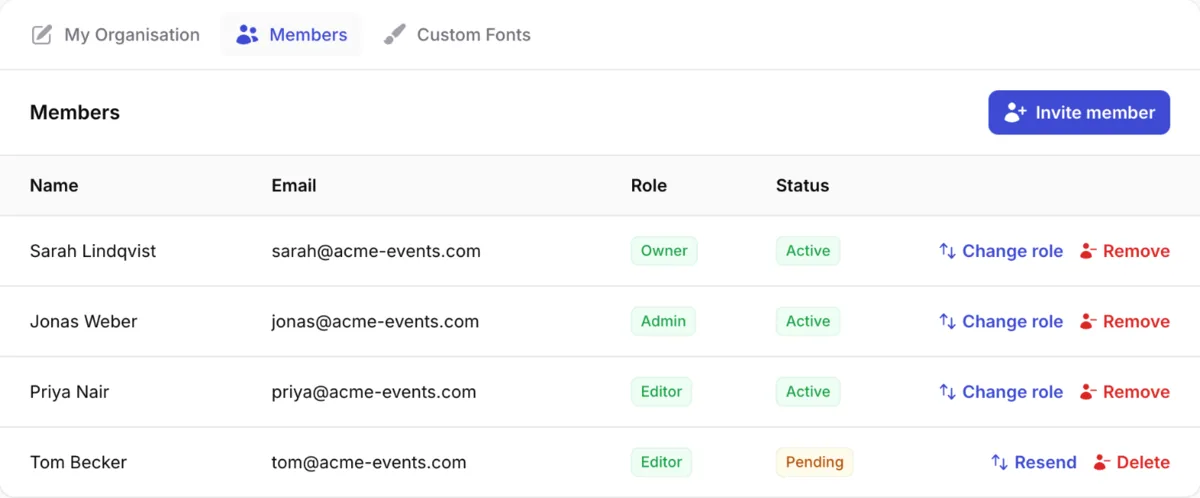
Invite additional team members to your organisation and work on campaigns together — with Editor, Admin, and Owner roles.
 Learn more →
Automate campaigns and pull analytics through the REST API, or connect AI assistants like Claude and ChatGPT via the built-in MCP server.
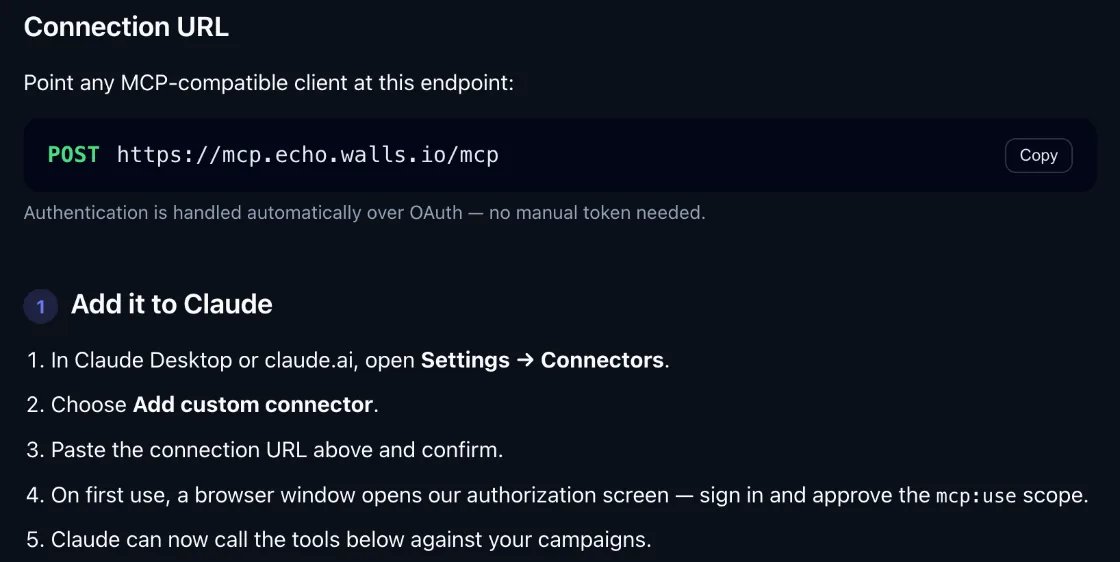 Learn more →
Offer up to ten sharing visuals per campaign, each with its own layout, sharing text and link, so sharers can pick the one that suits them.
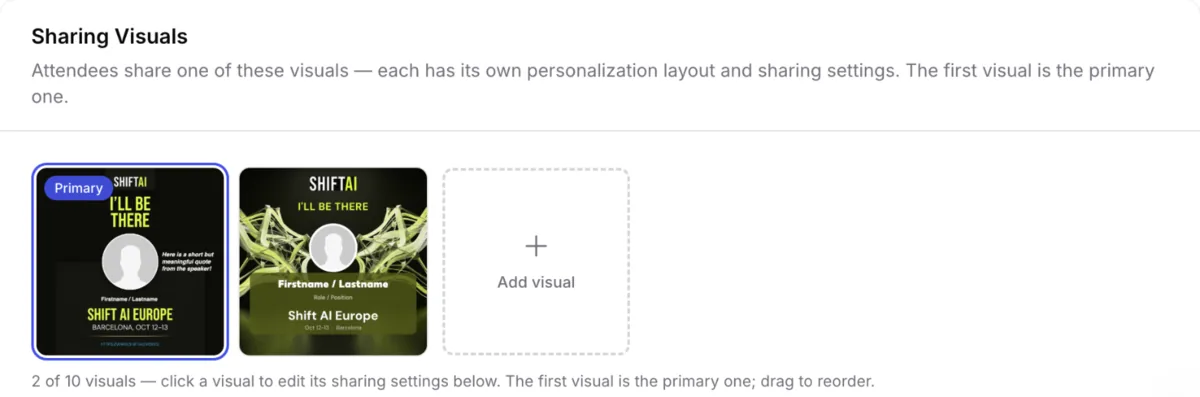 Learn more →
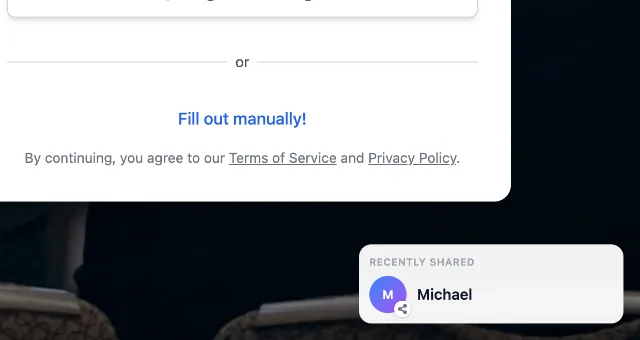
Your campaign page can now show a small popup with people who recently shared, nudging new visitors to join in. Switch it on or off per campaign.
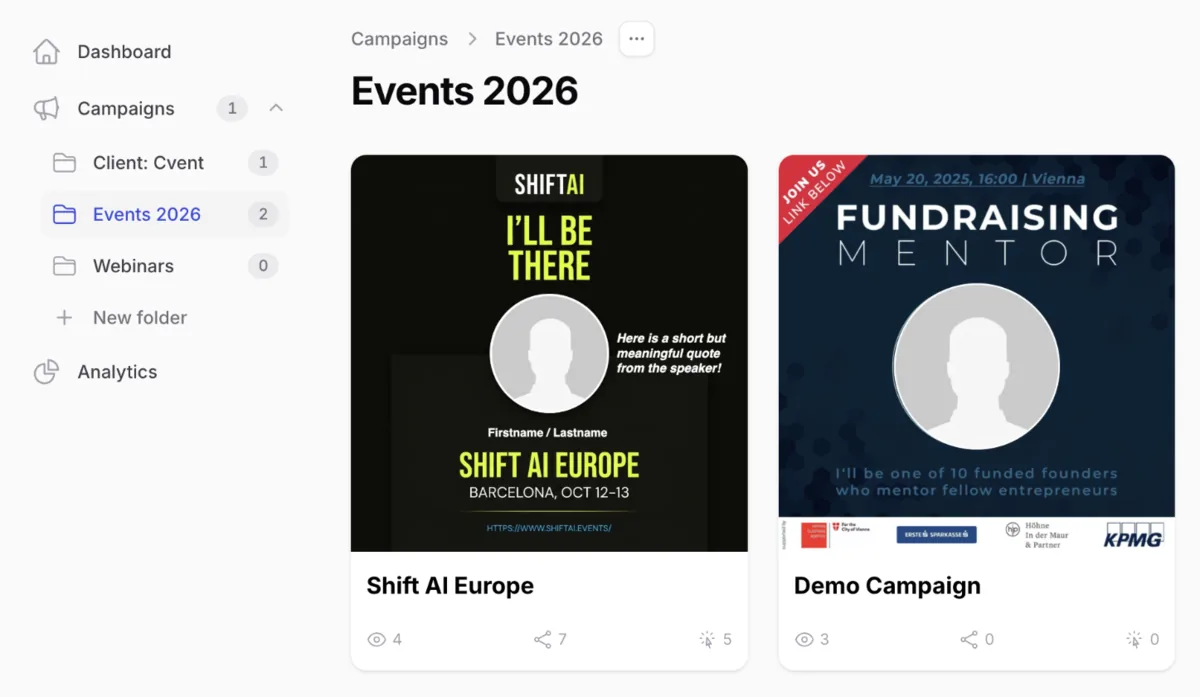
Organise your campaigns into folders, for example by year, client or event, and drag and drop campaigns between them.
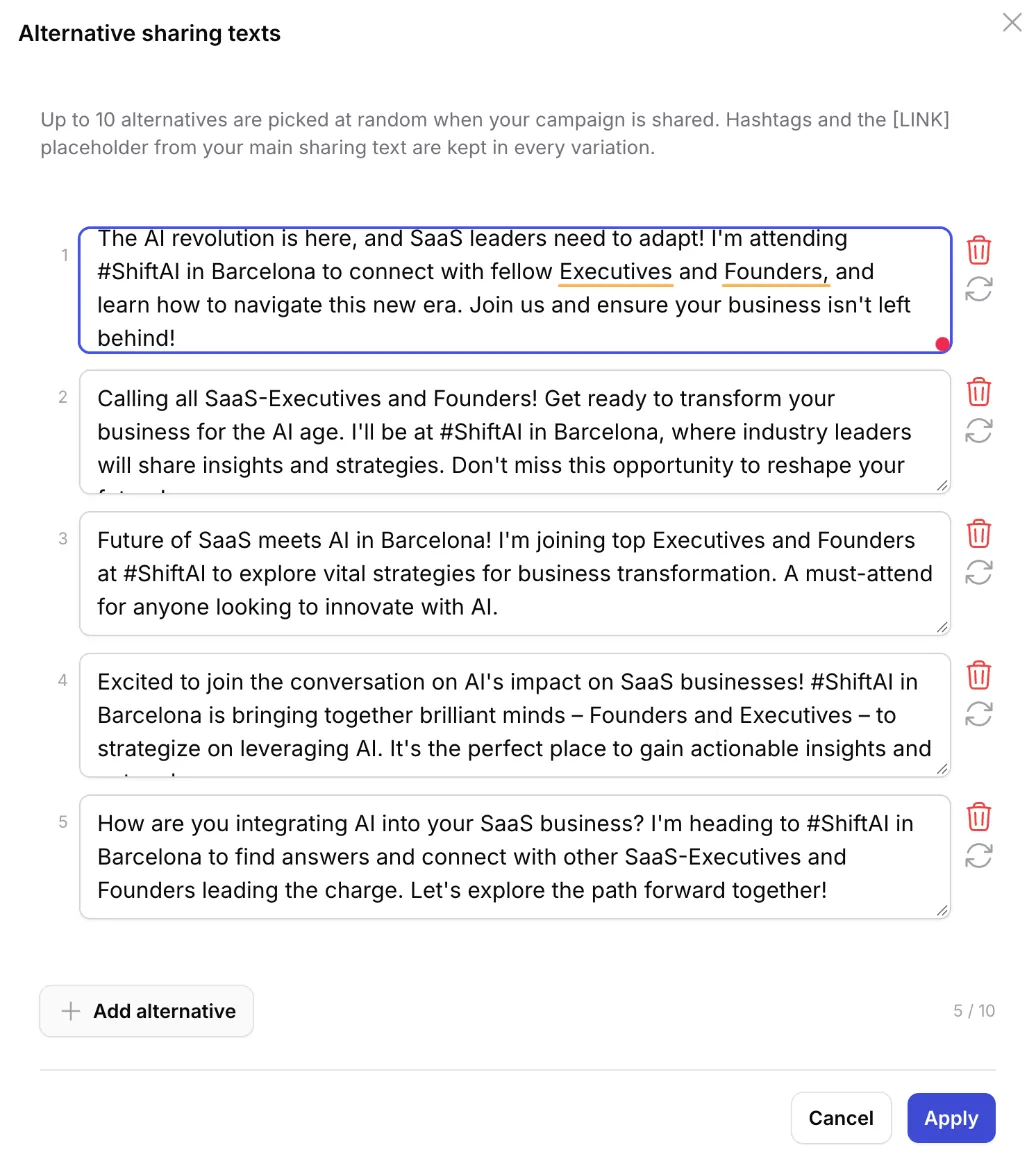
Let AI suggest up to ten alternative sharing texts for your campaign. Each share picks one at random, so posts don't all read the same.
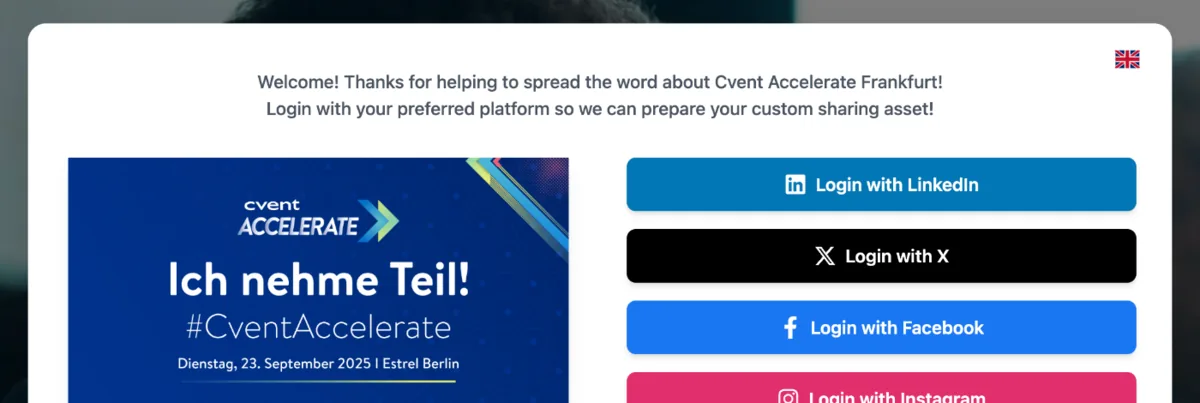
Remove the Walls.io Echo branding from your campaign page, so it feels fully native to your event or brand.
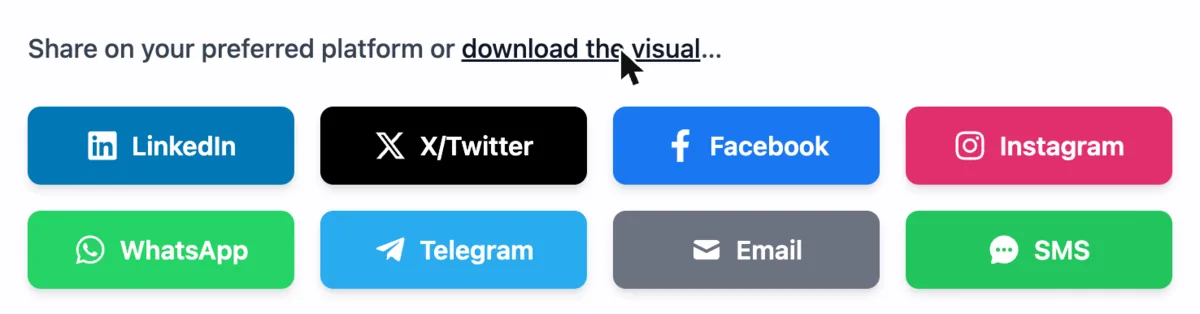
Sharers can now download their personalised visual as an image, to use anywhere beyond the built-in social networks.
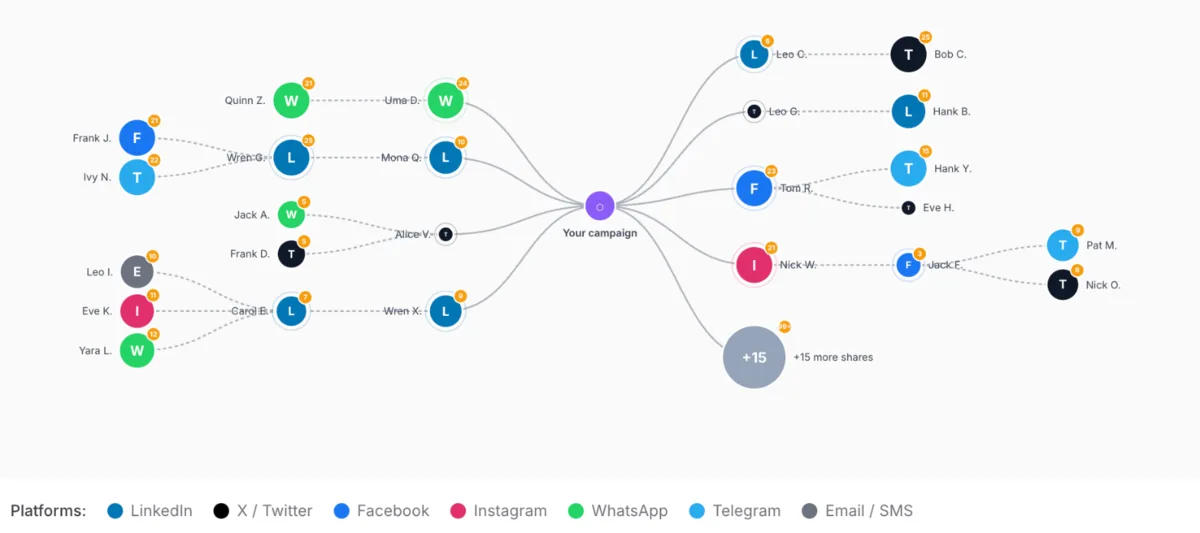
See how your campaign spreads: a tree view shows which shares inspired further shares, so you can spot the sharers who drive the most reach.
Give your sharing page a background image or video, with an optional colour tint to keep text readable.
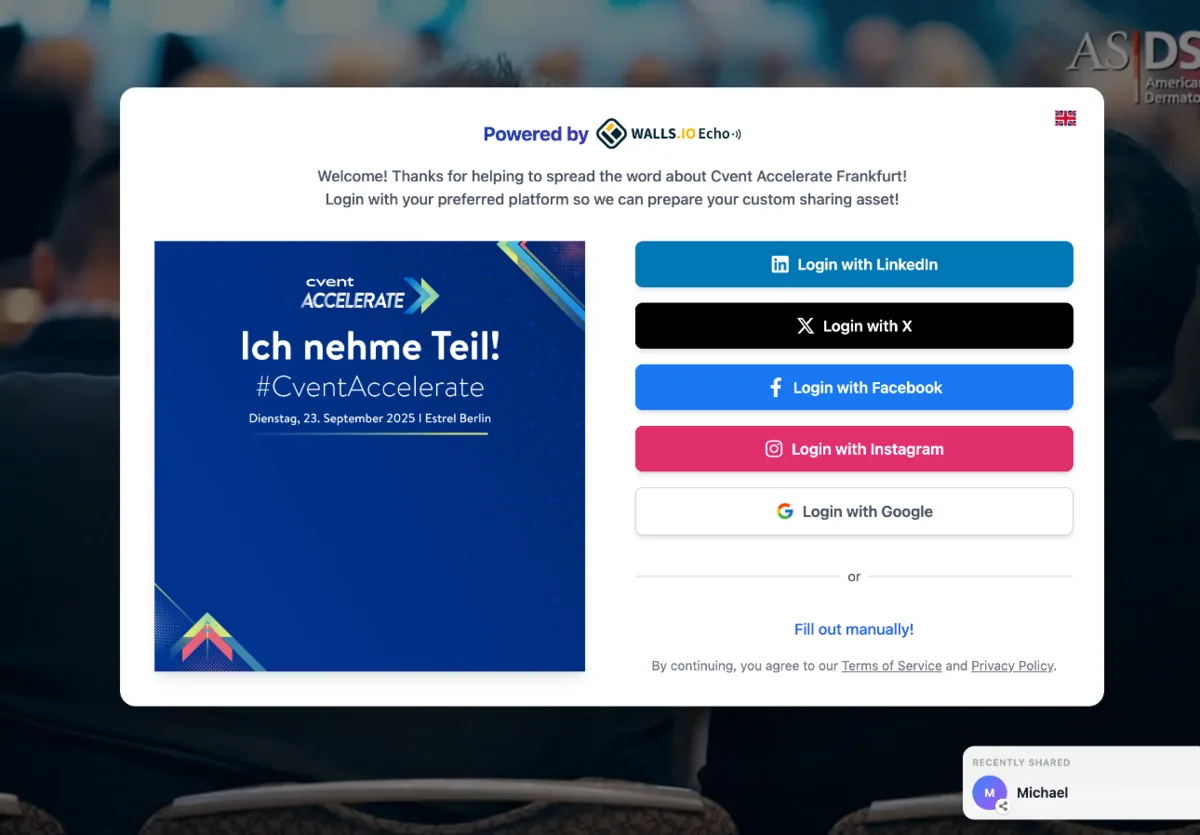
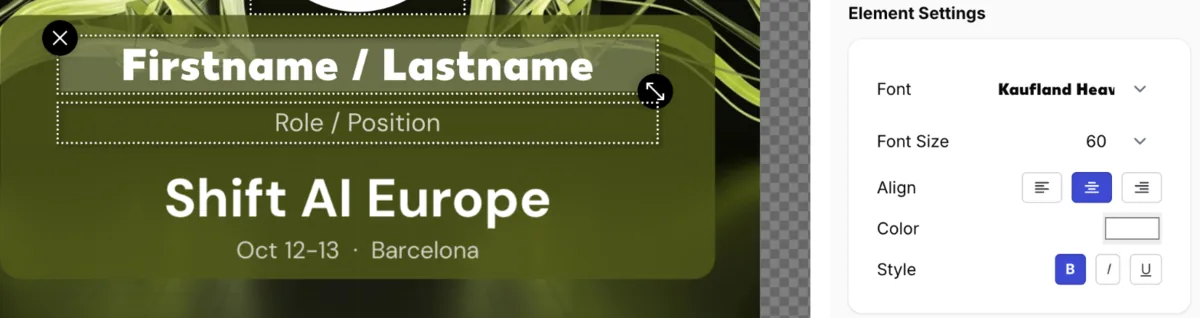
Choose from a range of web fonts for the text on your visuals, or upload your own brand fonts.
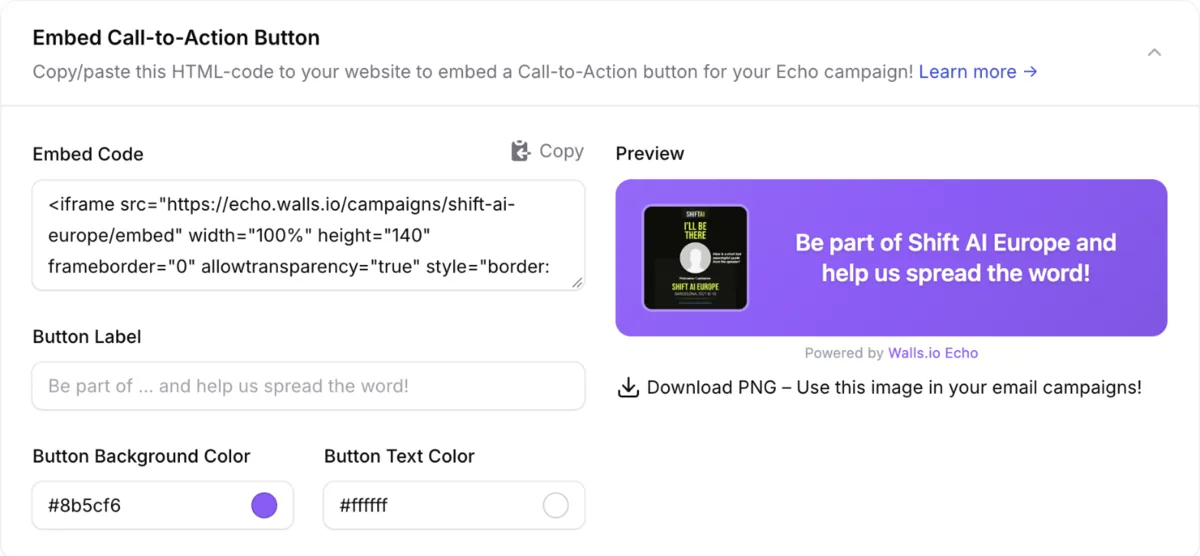
Add a share button for your campaign to your own website, so visitors can create and share their visual without leaving your page.
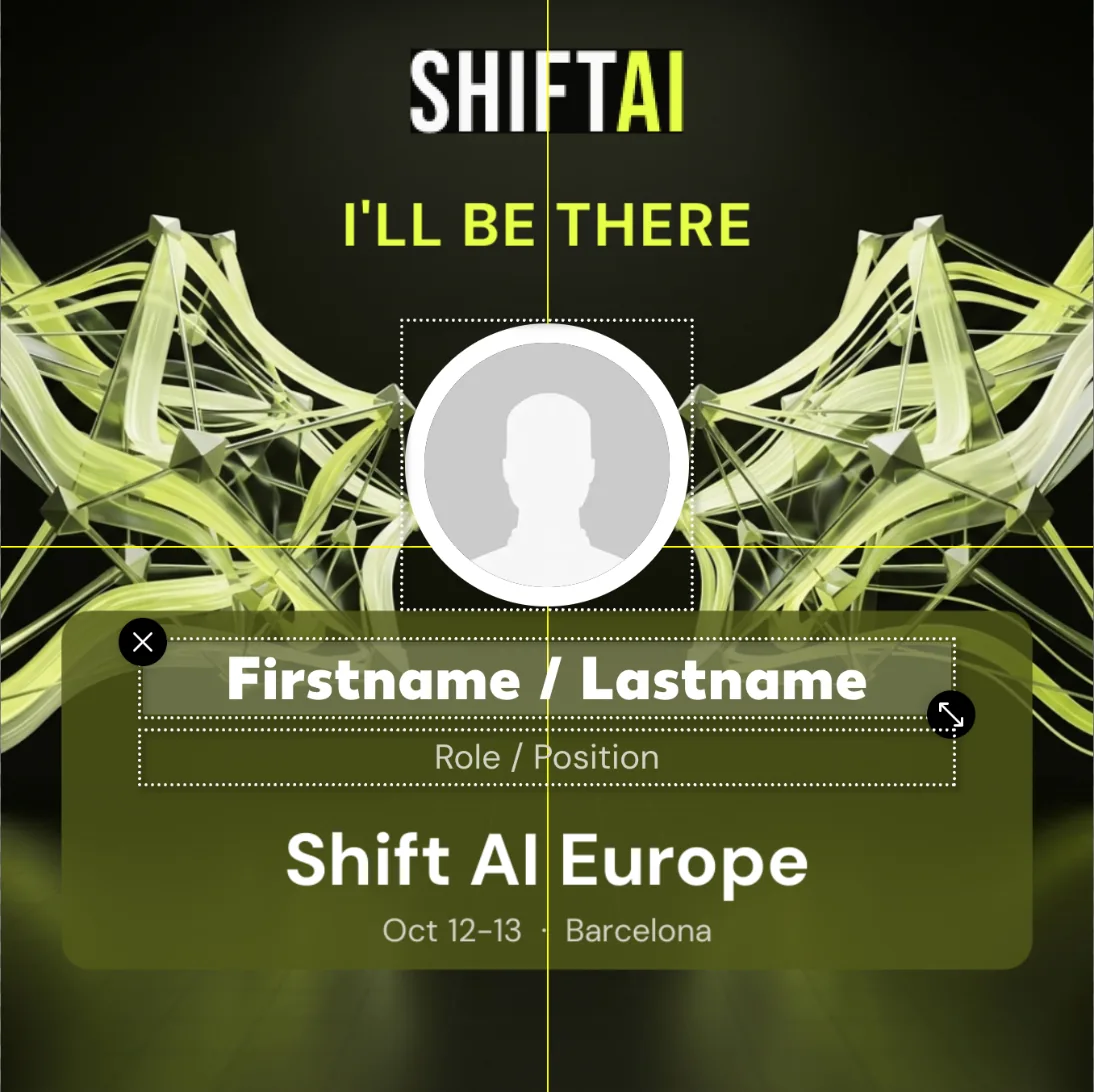
Elements in the visual editor now snap to the centre lines, making it easy to line everything up.
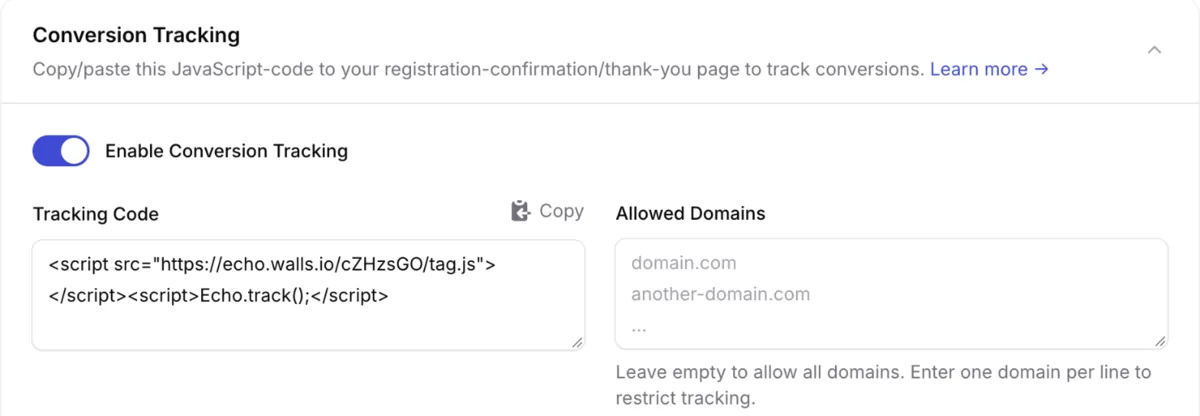
Track what happens after the click: see which shares lead to registrations, ticket sales or other conversions on your website.
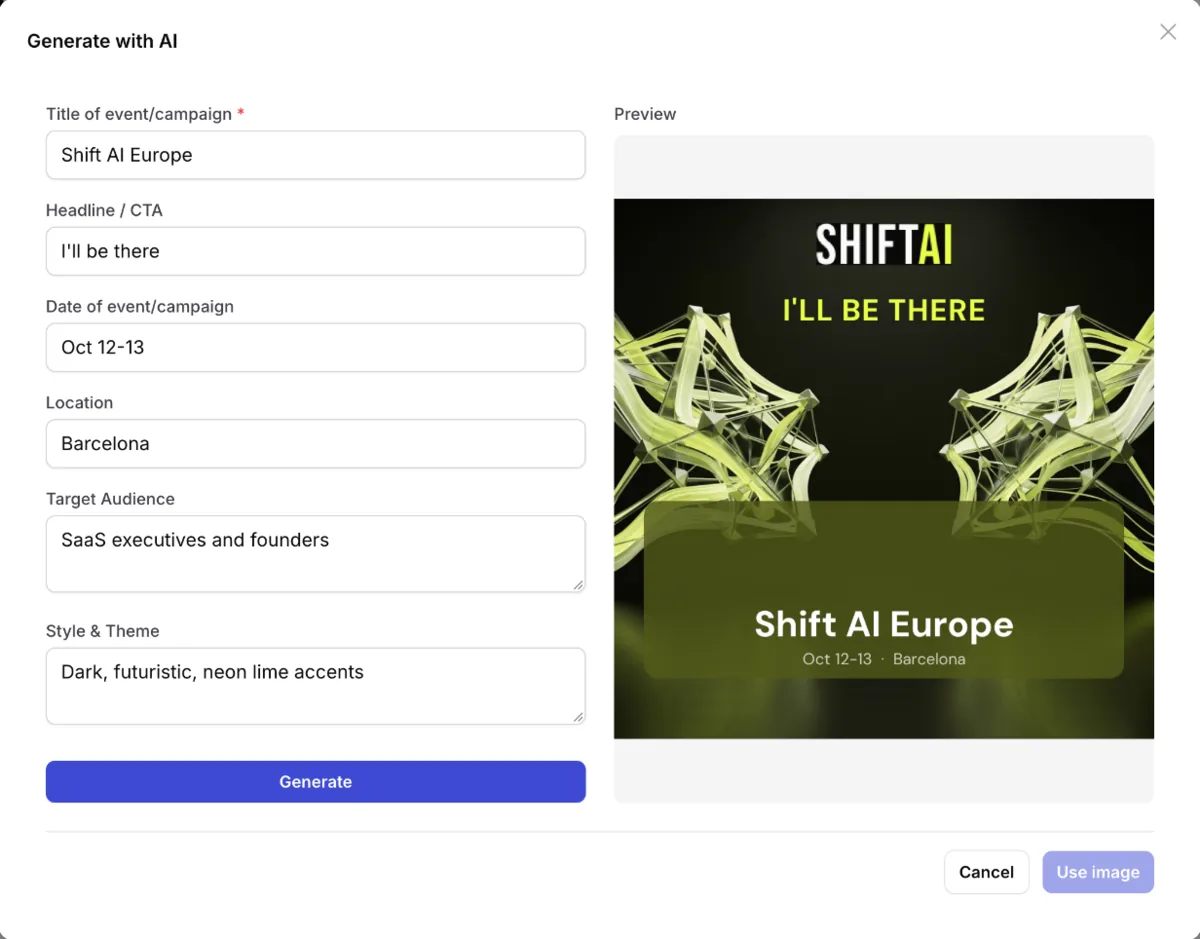
Generate a sharing visual with AI: describe the style and audience, or point it at a web page for context, and get a ready-to-use image.
Most event promotion tools charge more for less. Echo comes as a subscription or a one-time package that covers your whole audience — no per-user, per-share, or per-campaign charges. You get the full toolkit:
Subscriptions
starting at
$800/month
One-time
starting at
$2,400